When you first step into the office in the morning, just looking at unread emails and scattered task assignments in group chats—and deciding “what to tackle first”—can drain half your energy. To be honest, the most exhausting part of work is rarely the work itself; rather, it’s the patience lost trying to strike the perfect tone in an email or deciphering a chaotic set of meeting notes.
The greatest value of a personal AI secretary is clearing away these daily, progress-stalling annoyances. It won’t make decisions for you, but it can provide a usable first draft, saving you mental effort before you engage in actual decision-making. As long as it makes your daily rhythm a bit smoother, its mission is accomplished.
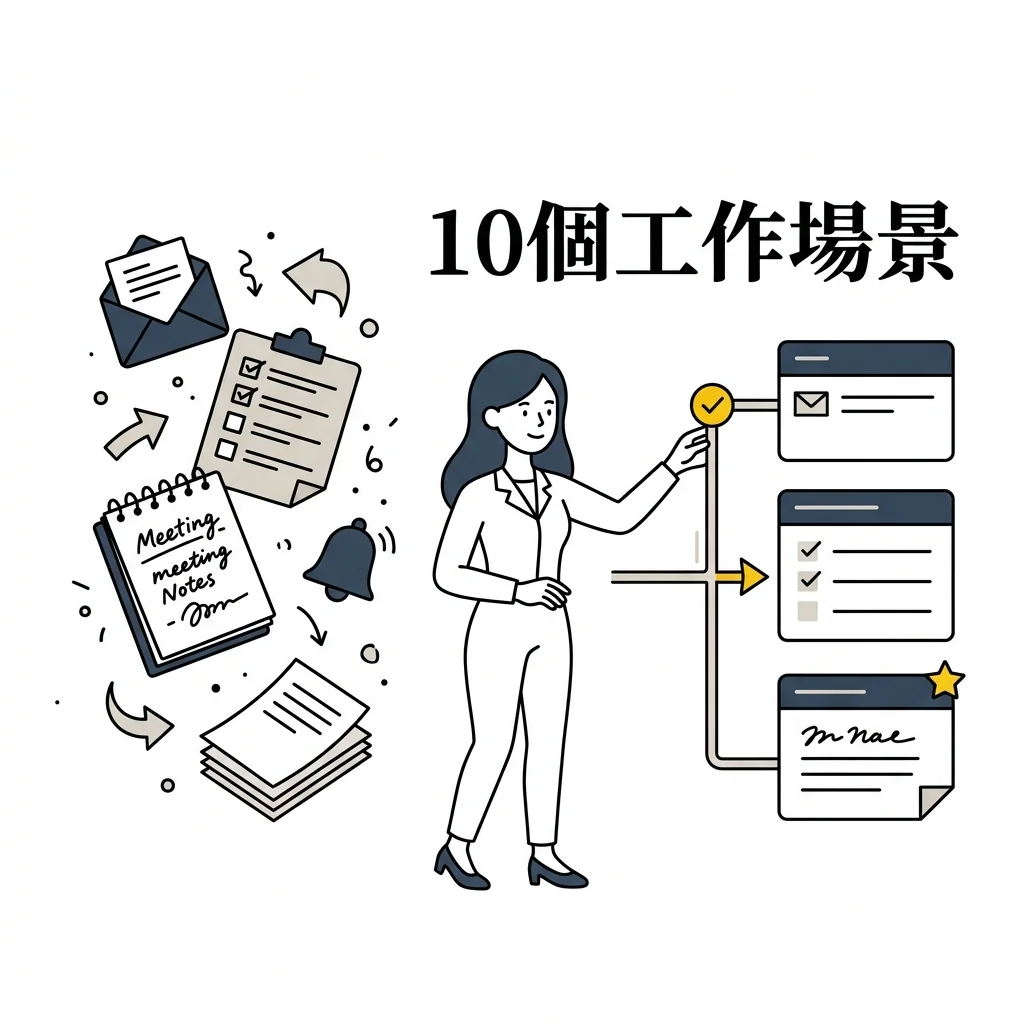
Here are 10 of the most accessible office scenarios I’ve compiled. Let’s start with the lowest-risk ones.
The Patience-Draining Daily Organization
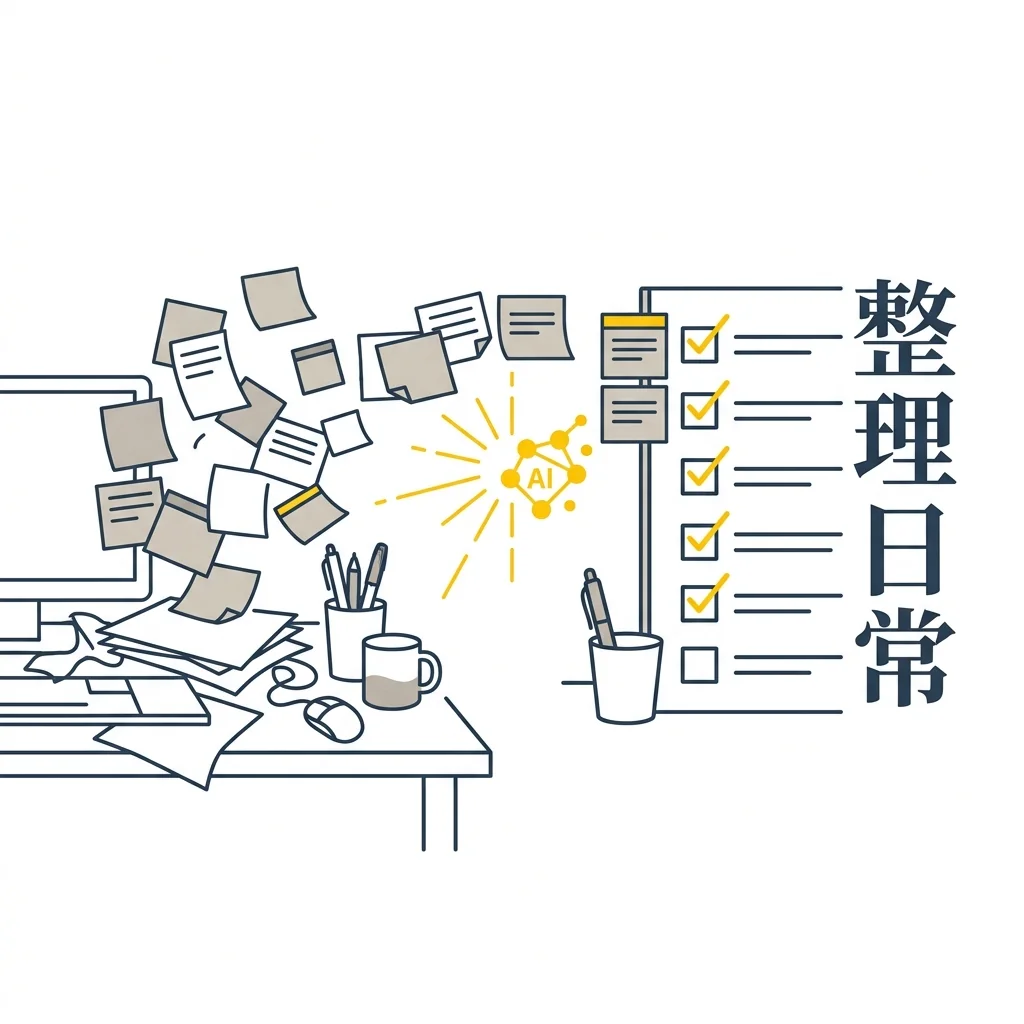
Simply realigning tasks and notes scattered across different platforms often makes people want to give up immediately. You can start by delegating the most tedious organizational tasks to AI in the following scenarios:
1. Morning To-Do List Consolidation
This is probably the most practical starting point. You can dump all your scattered thoughts, unfinished notes from yesterday, and verbal instructions from your boss into the AI. Ask it to extract the “must-do today” items and those “waiting on a reply.” (Of course, it can’t filter your boss’s assignments—you still make the final call on what to do first.)
2. Reading Long Reports and Data Extraction
Tackling a multi-page industry report or internal document from start to finish is incredibly time-consuming. Ask the AI to pull out the core points first so you can quickly assess whether the document impacts your current work. The responsibility of verifying specific numbers remains yours.
3. Turning Chaotic Meeting Notes into Trackable Lists
After a meeting, whiteboard scribbles and hastily typed transcripts are usually a mess. Instead of spending half an hour reorganizing them yourself, let the AI sort out “decisions made” and the crucial “who is responsible for what.” Instruct it to flag anything unclear in the original notes as “needs confirmation” to prevent misallocated responsibilities.
Defensive Preparation for Meetings and Communication
graph LR

A[Original Idea/Emotion] -->|Input to AI Secretary| B(Scenario Simulation & Tone Refinement)

B -->|Produce Draft| C{Human Verifies Commitments & Boundaries}

C -->|Modify| B

C -->|Approve| D[Professional & Appropriate Final Reply]

style A fill:#f9f9f9,stroke:#2C3E50,stroke-width:2px

style B fill:#FFF2CC,stroke:#F1C40F,stroke-width:2px

style C fill:#f9f9f9,stroke:#2C3E50,stroke-width:2px

style D fill:#2C3E50,stroke:#2C3E50,stroke-width:2px,color:#fff
Before sending an email or stepping into a meeting room, we often play out numerous scenarios in our heads. While AI doesn’t understand office politics, it serves as a safe partner for running simulations, especially in these four mentally draining communication stages:
4. Drafting Cross-Departmental Coordination Emails
Cross-departmental communication often stalls over differing KPIs and unclear boundaries. Sometimes, just figuring out how to write an email without offending anyone makes me want to give up. In these moments, feed your objective and the other party’s pressures to the AI, and ask it to draft a message that lowers their defensiveness. AI won’t know your internal politics, but it can definitely soften the tone.
5. Frameworks for Reporting Upward
The biggest fear when reporting to a manager is turning it into a rambling chronicle where they still don’t know what you need them to decide. Feed your current progress and resource needs to the AI, asking it to condense them into a “one-sentence conclusion” and a “risk estimation.” Let it separate objective facts from personal guesses so you aren’t caught off guard when you speak.
6. Pre-Meeting Briefing
Before walking into a meeting where you might face tough questions, let AI help you compile the questions they’re likely to ask. While it can’t predict your boss’s mood, it can at least help you list the materials you need to bring.
7. Tone Refinement for Sensitive Messages
When you receive an infuriating email, write down your true, unfiltered thoughts first. Then, ask AI to revise it into a professional, tactful version that firmly holds your bottom line. Just give it a final glance before sending to ensure the commitments and numbers are correct.
First Draft Generation and Self-Practice
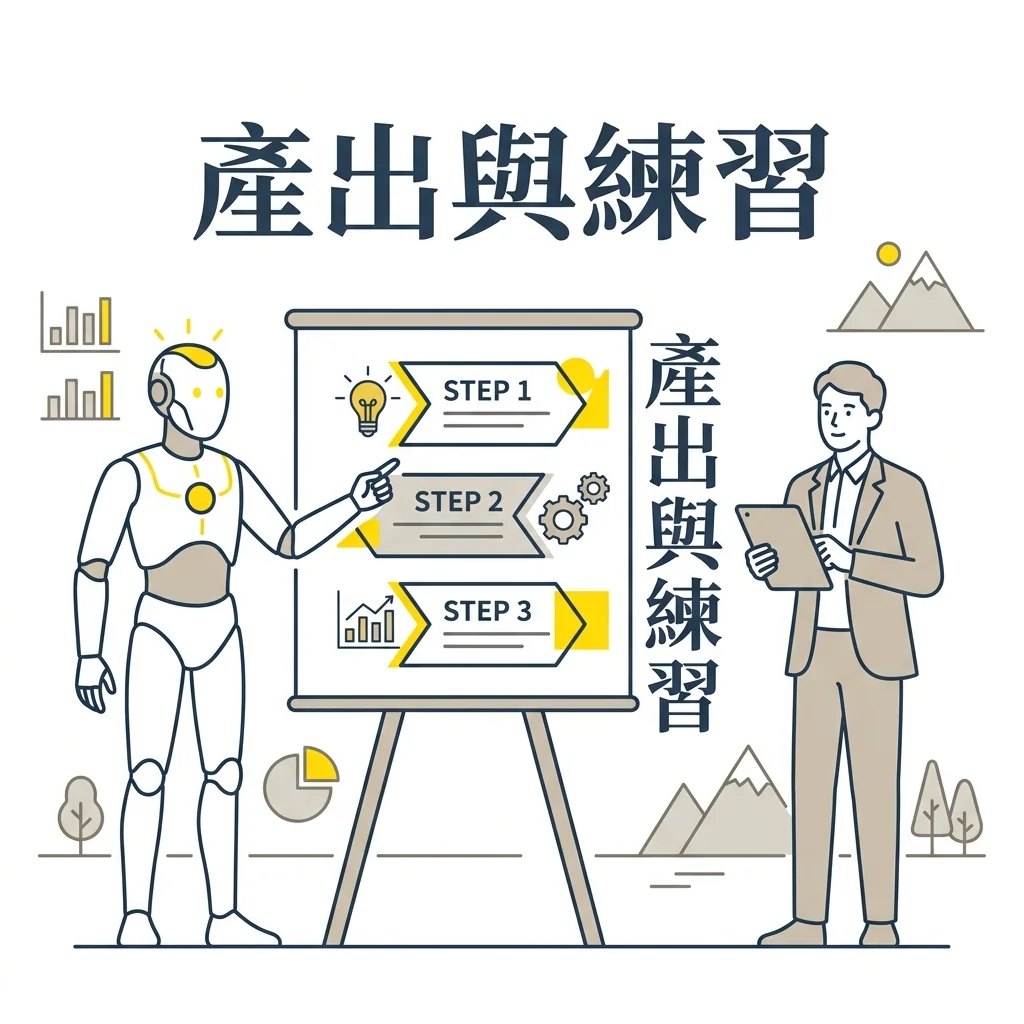
Instead of staring blankly at a screen, let the AI give you something rough first, then refine it. When you need to generate content or organize your thoughts, these three methods are the easiest to use:
8. Structuring Presentation Storylines
Getting stuck on a presentation usually happens because there’s too much data and you don’t know how to arrange it. Don’t open PowerPoint right away; first, ask AI to turn your materials into a three-part structure, defining the question each slide must answer. Once the structure is there, you can fill in the client cases and specific data.
9. A Coach for Learning New Concepts
When encountering an unfamiliar field, AI can become your on-the-go coach. If you need to quickly understand a new term, ask for a 5-minute summary along with two practice questions, or even an example relevant to your current job.
10. Auditing Your Own Workflow
Once you’re adept at these daily applications, you’re at the starting point of workflow restructuring. Pick a highly repetitive task you find incredibly tedious, write down the steps, and ask AI to help you determine which are rule-based and which require human judgment. Many tedious workflows have risk management considerations behind them; clarifying these helps you understand where the boundaries of automation lie.
These 10 scenarios are just the starting point of personal AI collaboration. When you hand off these “low-risk, high-frequency” information organization tasks, you’ll find you’ve saved not just time, but precious cognitive energy. With this energy, you can focus on decisions that truly require human judgment. Of course, as your reliance deepens, you might encounter questions about boundaries and risks—which brings us to the most common situations people ask about after getting started:
Frequently Asked Questions
Q: Can senior executives also use a personal AI secretary for these tasks?
A: Absolutely. However, executive decisions carry higher risks. The AI-generated output must undergo stricter compliance and security checks, especially concerning budget or confidential personnel information.
Q: What if the AI’s suggestions conflict with company policies?
A: AI only provides drafts and perspectives; it cannot replace company policies. Whenever formal commitments, compliance, or cross-departmental responsibilities are involved, always defer to the company’s existing regulations and processes.
Q: Doesn’t using AI to write emails seem insincere?
A: The focus of an email is whether it solves the other party’s problem. AI helps you smooth out the phrasing, but the conditions and judgments inside are still yours. Mature collaboration reduces the ambiguity of communication.
Try This at Work Once
Pick one low-risk task that repeats every day and record three things: the material you gave the AI, the judgment you kept for yourself, and who confirmed the result. Run the experiment for a week, then check which steps actually reduced effort and which simply moved the verification work elsewhere.
Studio gives you a scenario rehearsal for practicing workplace communication and judgment
Further Reading
- Personal AI Secretary Prompt Template: How to Write Roles, Tasks, Tones, and Output Formats
- AI Agent Practice Notes: How to Suture Platform Gaps and Reclaim “Focus Time”?
- Data Security and Privacy Boundaries You Must Know Before Setting Up an AI Secretary