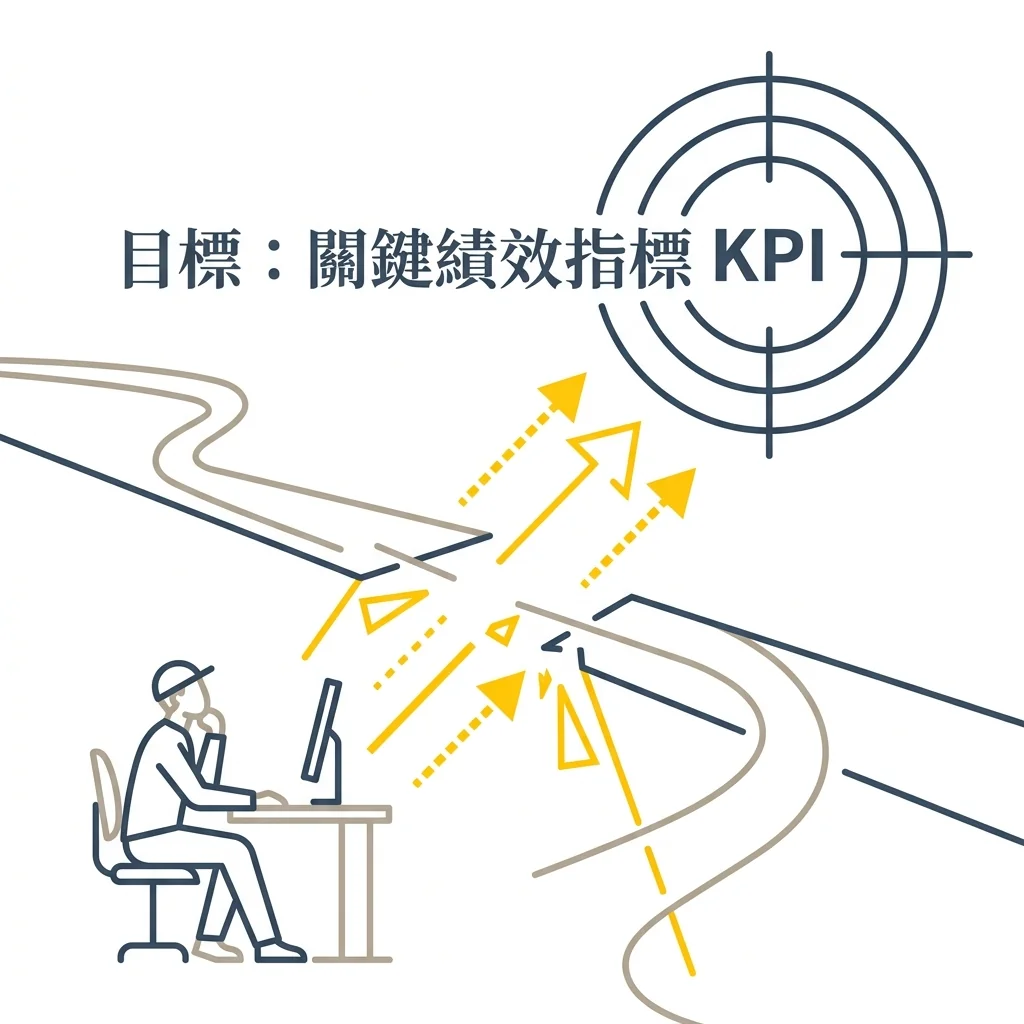
Abstract: When companies include AI in annual KPIs, frontline executors often face an awkward situation: executives expect results, but there is no infrastructure, no clear use cases, and no idea where to start testing the waters. Drawing from real-world conversations during coaching sessions, this article discusses how to find the path of least resistance when resources are limited but expectations are high.
Early this year, after an HR course, a participant came up to me.
He mentioned that his company had added “AI and Digital Applications” to this year’s KPIs. His manager was eagerly waiting to see the results by year-end, but as the assigned executor, he stood there not knowing where to take the first step.
I asked, “What tools or infrastructure do you currently have on hand?”
He smiled bitterly, “None at all.”
This situation is actually quite common. Companies hope AI can solve practical problems, so they throw the goal straight into the performance appraisal system. But when the task is handed down, the frontline knows they must “utilize technology,” yet they can’t find a small, verifiable scenario. Technical jargon floats in the air, while the people below just nod and go back to worrying.
Why Real Problems Are Only Seen in Hindsight
Students in my class often ask how I can point out AI entry points so quickly. Honestly, there is no methodology. It’s purely because I’ve handled so many administrative chores myself, and I know exactly which part of the process gets stuck to the point where you want to smash your mouse.
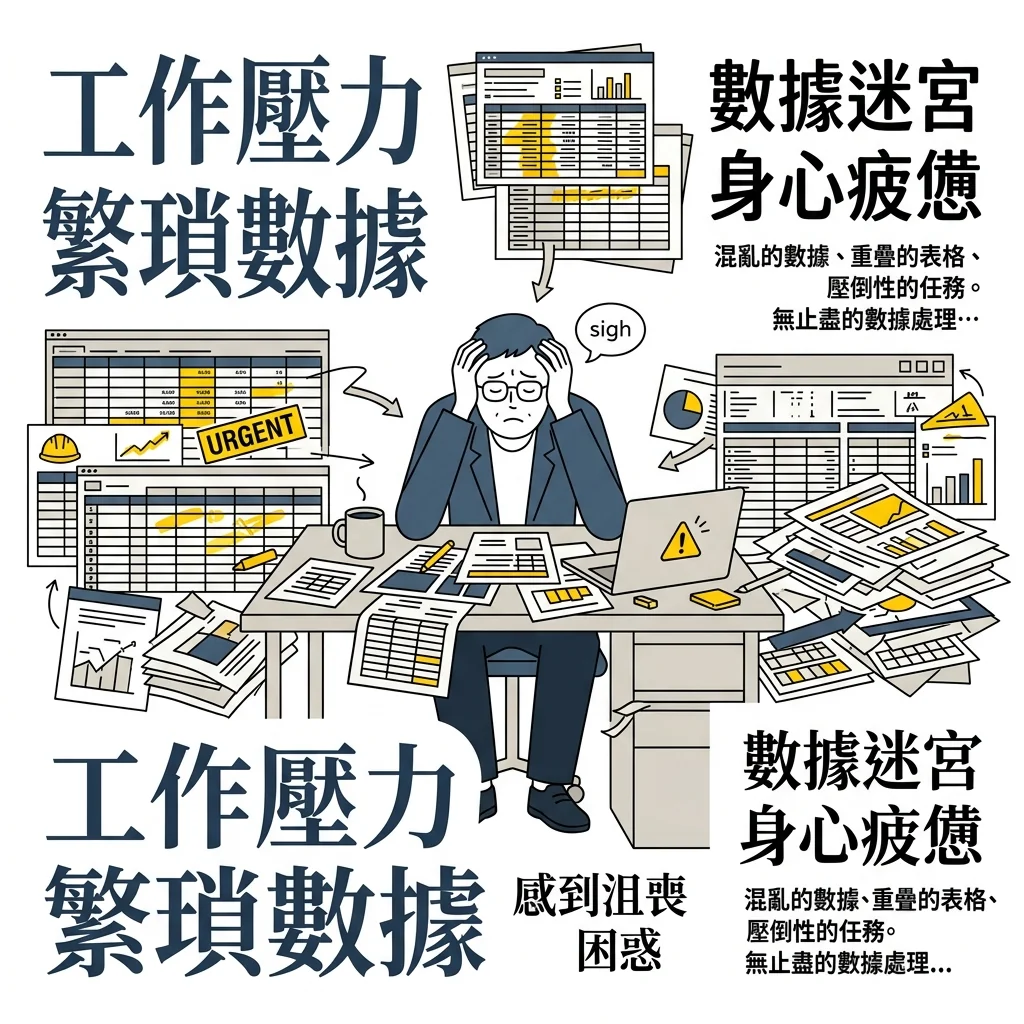
Previously, when pushing for digitalization in the HR team, sending out monthly uncompleted training notifications meant I had to manually piece together three or four different formats of Excel spreadsheets. Sometimes the columns didn’t align; sometimes the same person’s data was scattered across different files. Just cleaning up these spreadsheets could eat up half a morning.
Without personally wrestling with these spreadsheets, it’s hard to understand where the process actually slows down. Colleagues feel AI sounds very distant, often because they lack the concrete mental image of “Oh, I can hand this over to it.” Until operational hurdles are translated into concrete tasks, technology remains just a buzzword on a presentation slide.
“If You Use It, You Must Show Results”
When managers add new technologies to team goals, the original intention is usually good. But when the goal reaches the executor, there is often a gap where resources fail to keep up.
Once, while consulting for a company, an employee wanted to try out an AI tool. When reporting to the manager, the response was: “Sure, but if you use it, you must show results, otherwise the budget is wasted.”
This sentence makes sense in terms of management logic, but it sounds completely different to the executor. A brand-new tool inherently requires exploration, trial and error, and recalibration of expectations. If this exploration period isn’t even allowed, and it’s only viewed as a way to achieve a short-term KPI, the frontline’s immediate reaction is usually: “I might as well not touch it to save myself the trouble.”
Evaluating tools, reorganizing processes, and verifying data quality are all part of the implementation process. When the space for exploration is compressed, the AI goal becomes a pure source of pressure. Before the technology saves the company costs, it first triggers anxiety.
And this anxiety ultimately falls onto the executor alone.
Small Troubles Usually Don’t Require Project Meetings
Since there is KPI pressure from above and no resources on hand, the most pragmatic approach is to find the path of least resistance—temporarily shelving those massive projects that require changing the whole picture.
Recently, an HR friend in charge of training and development mentioned that their company had purchased Copilot, but no one in the department knew how to start using it. If they followed the traditional route, it might involve a project kickoff meeting, discussions with IT about database integration, and eventually turn into a time-consuming cross-departmental coordination effort.
We talked it through and finally decided to first build a simple internal knowledge base using SharePoint, staying within their existing M365 permissions. No custom development, no extra budget requests, no waiting for IT scheduling—the problem was shrunk to a scope the department could manage itself. A week later, people were already actually using it.
Another example is a training specialist in a manufacturing company. Under performance pressure, she spent an afternoon using Codex to build a simple webpage for querying training records. Just this one small tool was enough for her to complete this year’s KPI item.
When initially evaluating AI adoption, I recommend starting with small, high-frequency, tedious tasks that “your own department can decide on” 1. Those massive plans that impact the entire company can be set aside for now, allowing the people who handle daily routines to first experience the sense of control that technology brings. With this feeling, they will be willing to continue experimenting further.
graph LR

    subgraph Traditional Route

        A[Buy Tool] --> B[Project Meeting]

        B --> C[Cross-dept Scheduling]

        C --> D[Time-consuming Wait]

    end

    subgraph Small Win Route

        E[Find Daily Friction] --> F[Within Personal/Dept Permissions]

        F --> G[Quick Tool Test]

        G --> H[Immediate Output Same Week]

    end

    style A fill:#f9f9f9,stroke:#333,stroke-width:2px

    style E fill:#FFF4E5,stroke:#F5B041,stroke-width:2px
FAQ
Q: Our company has absolutely no technical foundation. Can we really start using AI?
A: Yes. Off-the-shelf commercial tools (like Copilot, ChatGPT Team, Notion AI, etc.) generally don’t require you to build your own infrastructure. The key is to first identify a repetitive task you already spend time on, run it through the tool once, and compare the difference.
Q: My manager expects to “see results,” but I’m still in the exploratory phase. How should I report this?
A: Treat the “exploration process” itself as a milestone deliverable. For example, in week one, document: “Tested three tools, found Tool A best fits our data format.” This is reportable progress. The point is to report the specific problem you are solving to your manager, skipping the vague “I am learning AI.”
Q: What kind of tasks are best to start with?
A: Prioritize tasks that you do at least once a week, take more than 20 minutes each time, and do not require cross-departmental sign-offs. These “small troubles” are easily overlooked, but they are also the easiest places to quickly verify if a tool can help.
References
(Cases in this article are derived from conversations during the author’s actual lectures and consulting sessions; some details have been anonymized.)
Further Reading
-
Small-scale automation grown organically from the frontline is usually more easily accepted than large-scale systems pushed from the top down. When colleagues initiate the approach themselves, defensiveness is significantly lowered. ↩