AI Agent Practice: How to Bridge Platform Gaps and Reclaim Lost “Focus Time”?
Have you ever felt that white-collar fatigue largely comes from “disconnects between work platforms”?
Our company uses Microsoft M365 Business, and every app is powerful enough to solve most work needs. However, there’s often a subtle sense that something is missing: these apps lack a seamless flow between each other.
For office workers, Email is still the primary channel for task assignments. While Email is great for communication, it’s not ideal for task management. So, I usually transfer received tasks to Planner to avoid forgetting them.
However, tasks never come from just Email. Some are from Teams messages, phone calls, meetings, or even a casual verbal reminder.
So the work looks like this: a fragment of a task in Email, another in Teams, and more in calls and meetings.
Planner is where the real to-do list lives, while scheduling falls on the Calendar. But these two are not directly linked. I have to manually block out time on my calendar as focus time to handle tasks; otherwise, colleagues seeing a gap might schedule another meeting.
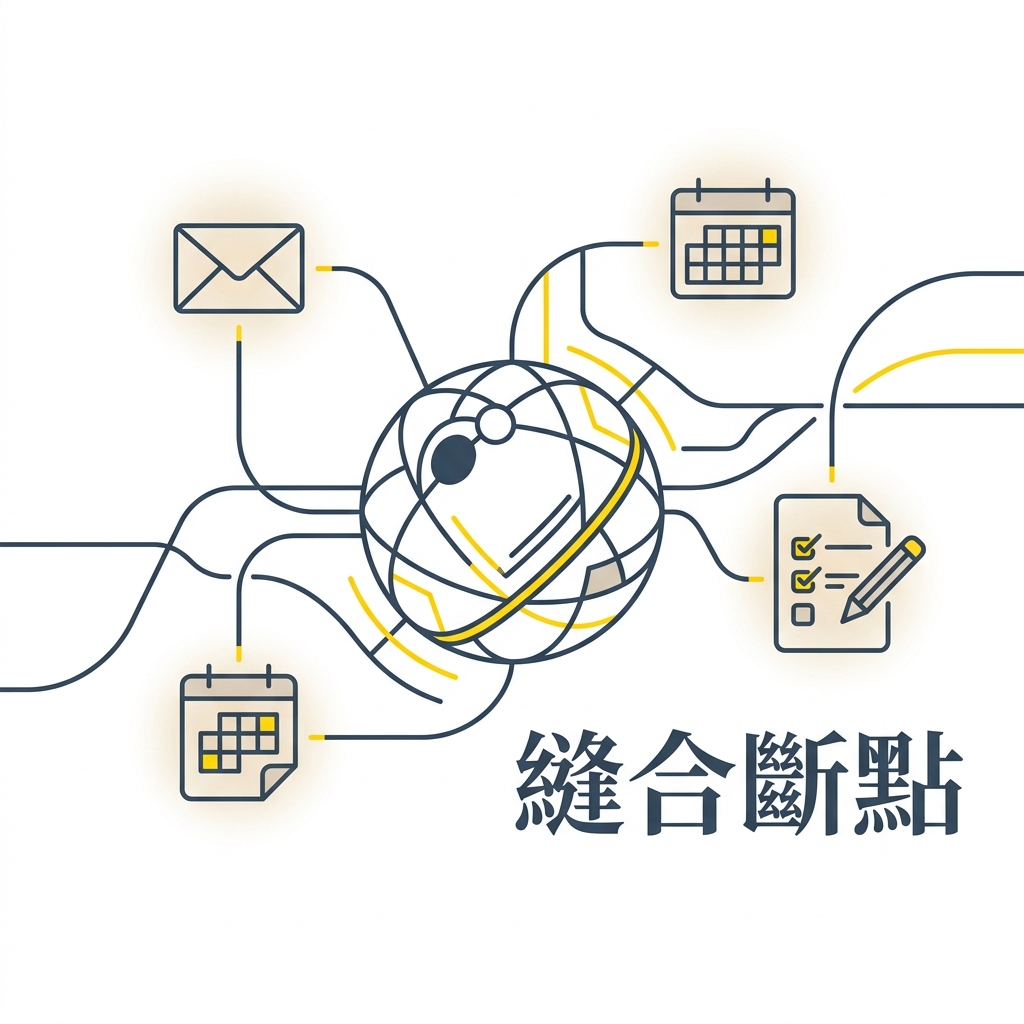
Email, Teams, Planner, Calendar—each has its own function. The problem is, the gaps between platforms are mostly maintained manually or connected via Power Automate with rigid rules.
Power Automate is suitable for fixed rules like “if this, then that.” But real-world tasks are rarely that simple. Deciding if an email contains a task, its urgency, whether it needs tracking, and how much time to allocate requires judgment. It’s hard to write all this into fixed workflows. Sometimes I silently wish: Can’t M365 evolve a bit more?
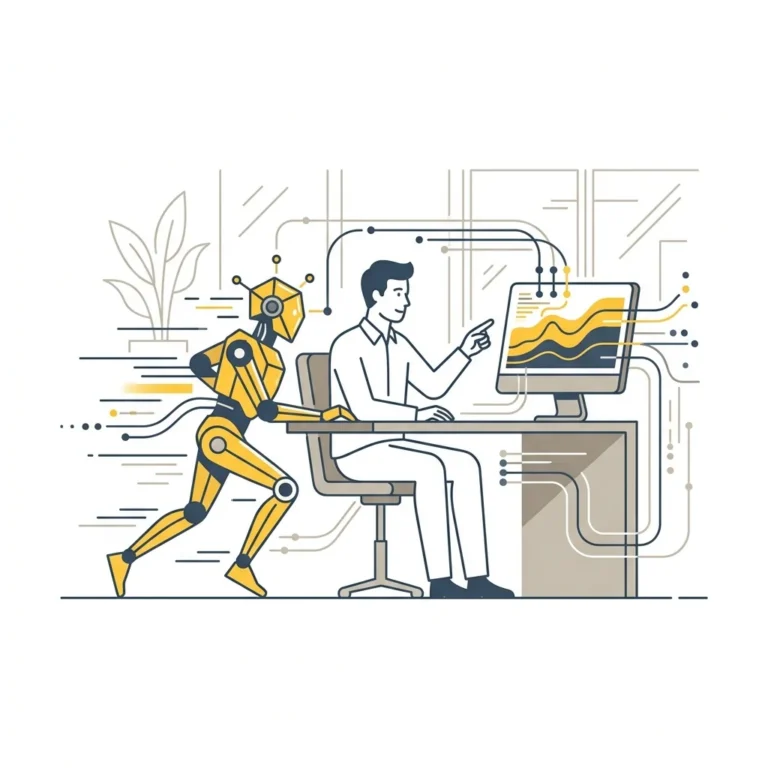
To solve this pain, I recently built an AI Agent for myself using Microsoft Copilot Studio. This architecture consists of a main agent and three sub-agents for Email, Calendar, and Planner. I set a simple mission for this AI Agent: make information flow between these three apps.
With AI, it can read emails within authorized bounds, judge task priority and time pressure, and automatically create cards in Planner. Simultaneously, based on task needs, it directly books focus time on my calendar, reclaiming my productivity.
It bridges those information gaps scattered across Microsoft platforms. Not only that, because this isn’t just simple workflow automation, it also possesses conversational capabilities.
If I need to find a file, confirm an itinerary, search for specific emails, or trace the context of a task, I can talk to it directly. It can also help me organize the pre-requisite data needed to execute that task.
Honestly, these are small things, but they accumulate into significant cognitive drain. Handing these chores over is about reducing the mental energy spent on information maintenance. If I don’t have to spend massive time on “things to do,” I can reserve all my time for “the real work.”
Frankly, at this stage, people might worry about the accuracy and stability of AI Agents taking over core work outputs. But if used to “orchestrate and converge your own workflow,” the cost of error is low, and the pressure is much less.
Therefore, I believe one of the most worthwhile scenarios for AI Agents today is bridging the gaps between work platforms and taking back focus!